
Description
Byte Multi-Axis for Mastercam
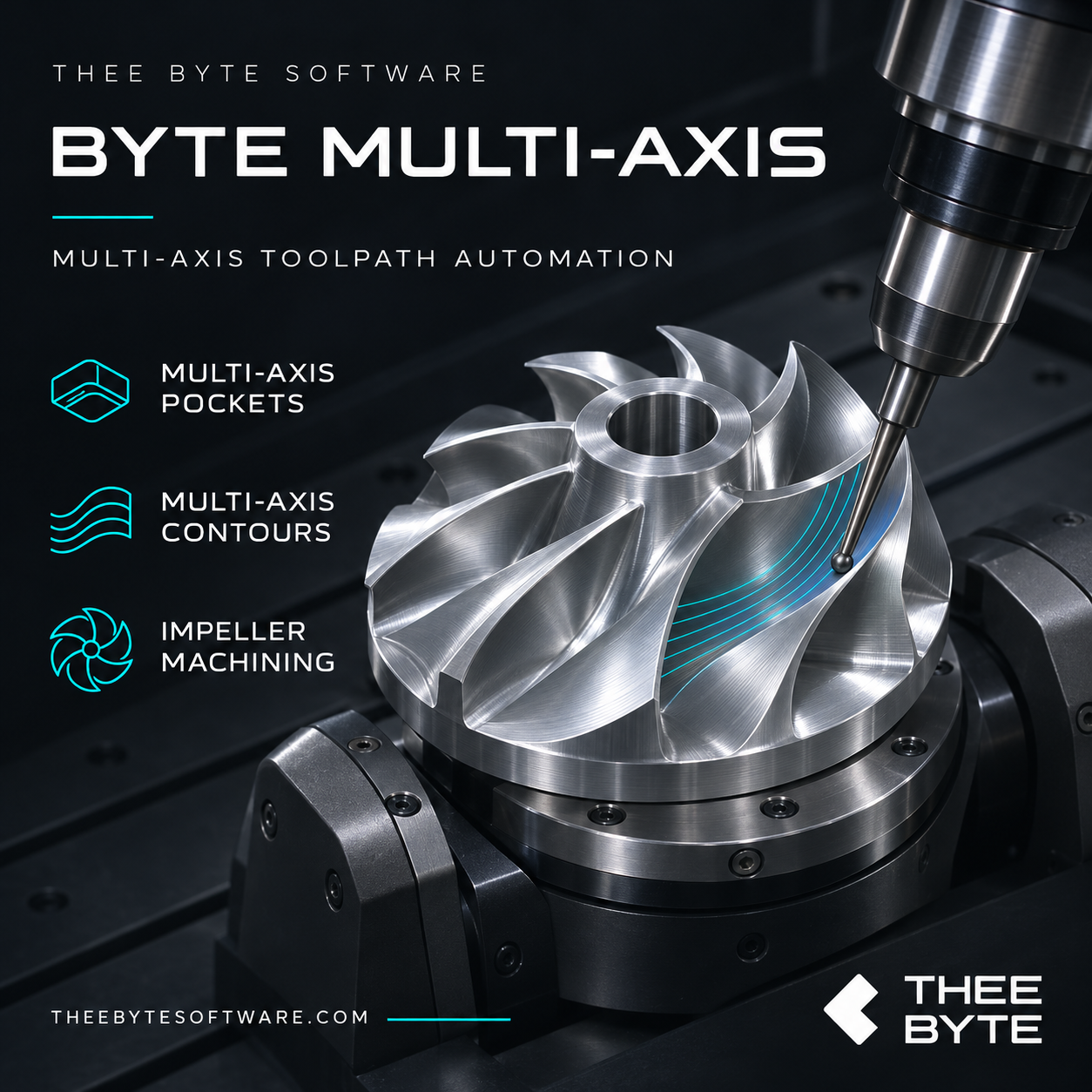
Byte Multi-Axis brings dedicated multiaxis automation directly into Mastercam, with workflows for pockets, contours, impellers, and internal ports. Create toolpaths from supported part geometry, automate repetitive programming tasks, and retain control through editable native Mastercam operations.
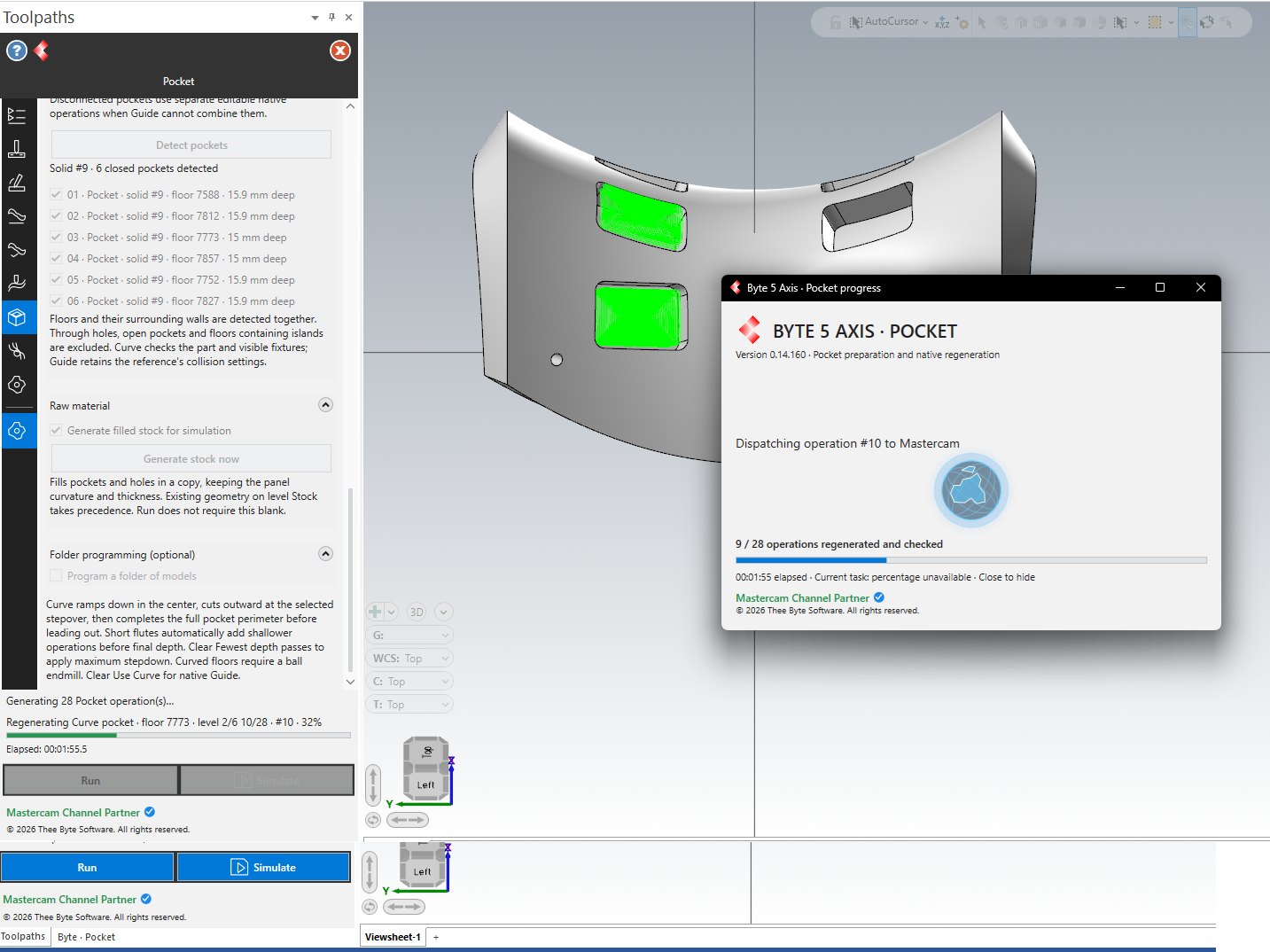
Work directly with your model, choose a machining workflow, and select the features and tools you want to use. Generated operations appear in Mastercam’s operations tree, where you can review the toolpaths and adjust the settings for your part and setup.
Features
- Multiaxis pocket automation: Automatically detect supported closed pockets on curved parts, including their floors and surrounding walls. Select the pockets you want to machine and generate the corresponding operations.
- Multiaxis contour automation: Create multiaxis contour toolpaths for complex profiles through a dedicated workflow within Mastercam.
- Impeller machining: Automate programming for impeller blades and channels with dedicated multiaxis machining workflows.
- Undercut and port machining: Detect supported through-passages and generate roughing and finishing operations for curved internal features, including machining with lollipop cutters.
- Mastercam tool libraries: Select tools from your existing libraries and configure the tooling for your application.
- Editable native operations: Review and modify the generated operations using familiar Mastercam settings.
- Stock preparation: Generate filled stock for supported pocketed parts to prepare the model for simulation.
Fits your Mastercam workflow
Byte Multi-Axis keeps programming, tool selection, operation editing, and toolpath review within Mastercam. Automate the initial programming work, then refine the results to suit your tooling and machining requirements.
Pocket detection currently supports closed pockets without islands in the floor. The port workflow machines existing open through-passages.
Reviews
There are no reviews yet.